
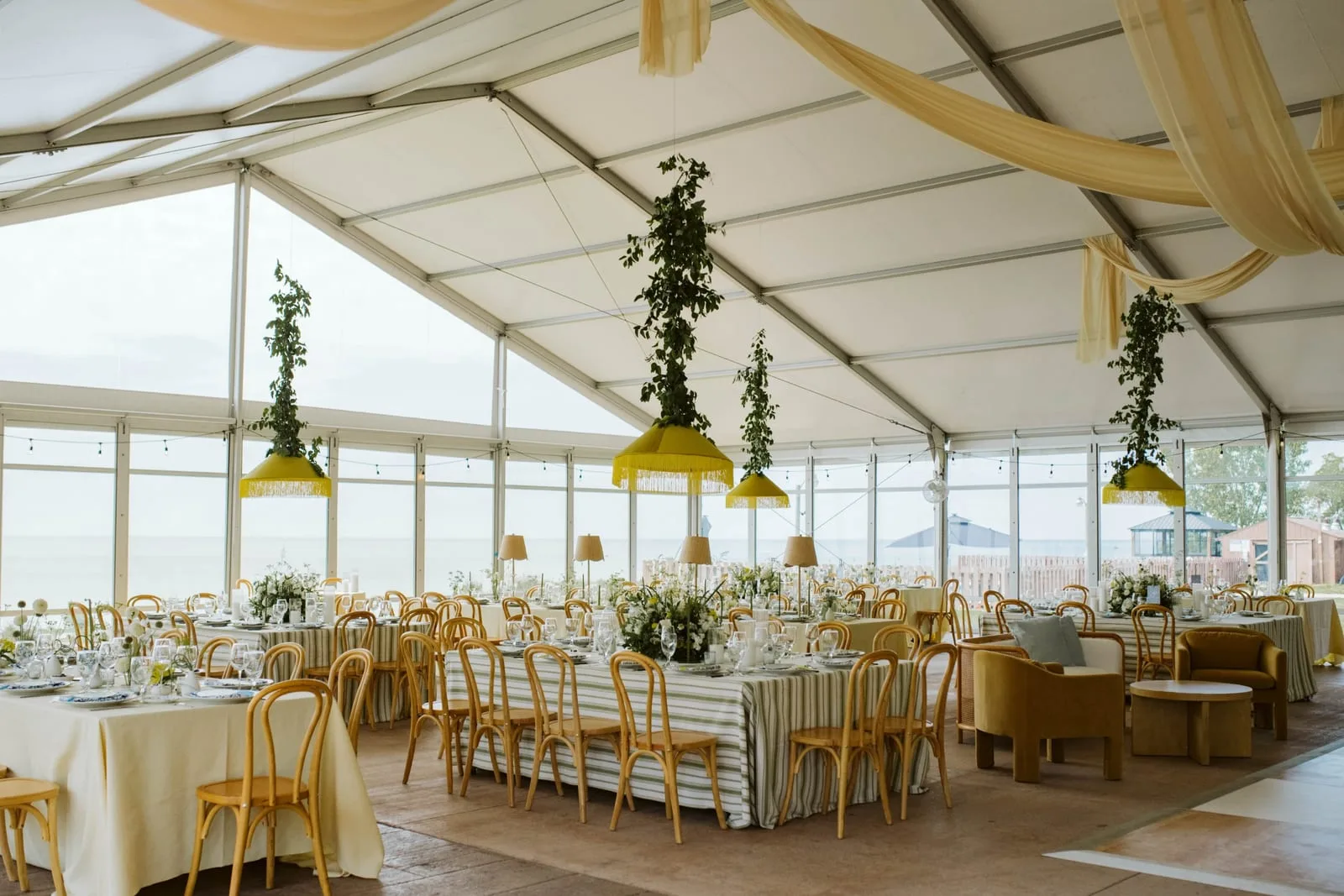
You're getting ready to post a wedding. How long does it take you to find the right photo? Not to edit it or post it. Just to find it.
For a lot of us the honest answer is "twenty minutes, if I'm lucky." You know the photo exists. Blush peonies, a long farm table, golden hour. You just can't remember which wedding it came from, which folder it's in or which drive that folder lives on.
If that sounds familiar, you're in good company. Almost every wedding pro I know has the same problem. The photos are the most valuable thing you own for marketing, and they're the hardest thing to find. Here's how to organize digital photos so the answer is seconds, not twenty minutes.
Why folders stop working
Folders feel organized when you set them up. One folder per wedding, named by couple and date. Clean.
The trouble is that a photo belongs in more than one place. That peony bouquet is part of the Hartwell wedding. It's also a peony photo, a blush photo, a summer photo and a photo of work by your favorite florist. A folder can only hold it in one of those places, so the other four are lost.
That's why you can find a wedding but never a detail. And the details are usually what you need: the bouquet for your blog post, the cake for a Story, the venue at sunset for a Pinterest board.
What a useful photo library knows
A good photo library isn't just storage. It's a search engine for your photos. It should know:
Which wedding it came from. The couple, the date and the venue, so the story stays attached to the picture.
Who worked the day. The photographer, the florist, the planner, the venue. When you want to thank a vendor or tag them, you shouldn't have to go looking.
What's in the frame. Flowers, the cake, the first dance, the ceremony, the colors, indoors or out. This is what lets you search for "peonies" and get peonies.
When a photo carries all three, every question becomes a search. Show me every bouquet. Show me every wedding at this venue. Show me every photo I have of this florist's work. Each one takes seconds instead of an afternoon.
How to organize digital photos: a few habits that help today
Even without new tools, a few habits make a library easier to use:
- Name the wedding the same way every time. Couple's names, then the date. It sounds small, but it's what makes search work.
- Keep the vendor list with the photos. Save the team in a note inside the wedding's folder, so it never gets separated from the pictures.
- Pick your favorites as you go. After each wedding, star the ten photos you'd want to share. Future you will thank you.
- Keep the photographer's name with every photo. You'll need it every time you share one.
How The Wedding CMO handles it
When you add a wedding to The Wedding CMO, every photo is tagged three ways: by the wedding it came from, by every vendor who worked that day and by what's actually in it. It looks at each photo itself, not its file name, so a photo called IMG_4471 still comes back when you search for "peonies" or "first dance."
There are no folders to set up and nothing to tag by hand. One photo can be a peony photo, a blush photo and a photo of your florist's work all at once, and it shows up in every one of those searches.
So the next time you need that golden hour shot, it's a simple search away.